
There are 3 easy steps to start work:
How to create a project?
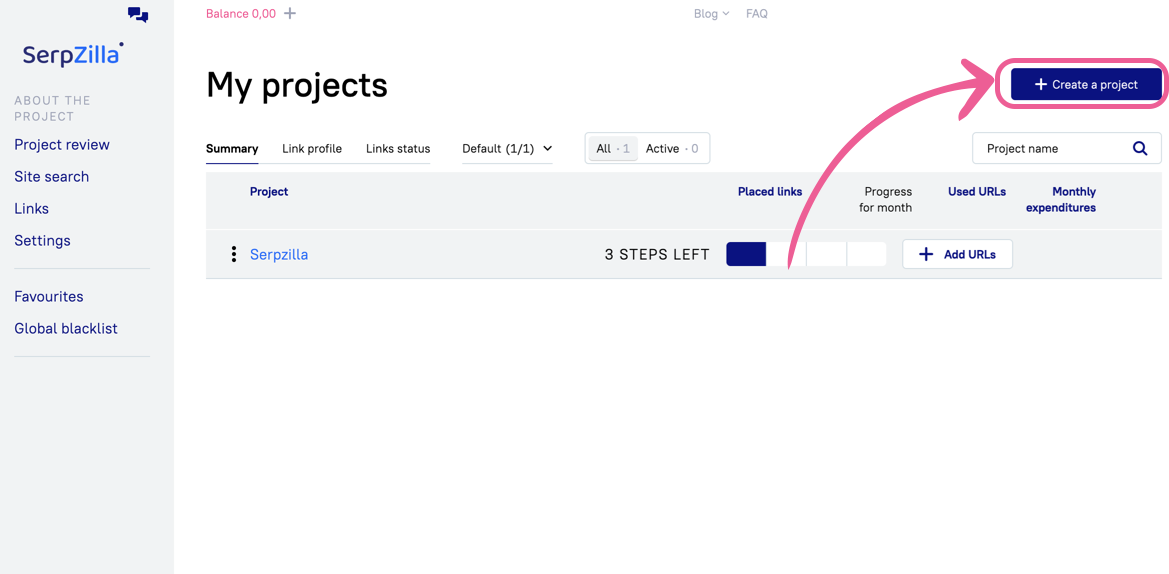
Firstly, click on "Create a project" button on the page https://app.serpzilla.com/app_seo/projects
On the opened page enter the site address and project name, then select the goal of promotion:
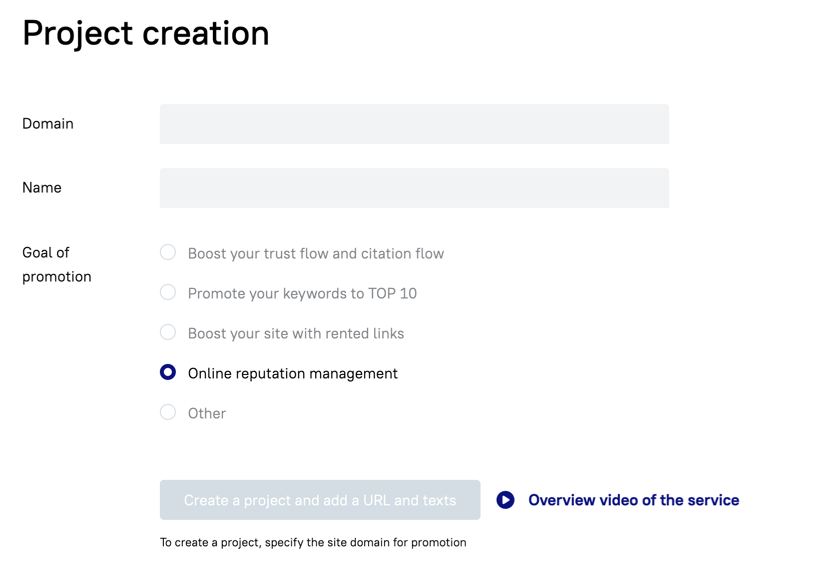
Click on "Create a project and add a URL and texts".
How to add content and URLs?
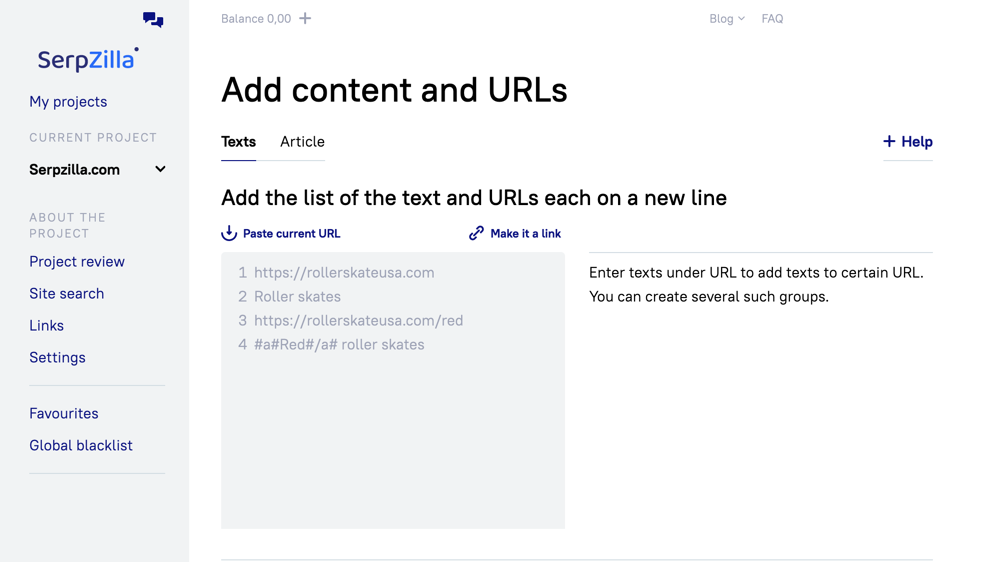
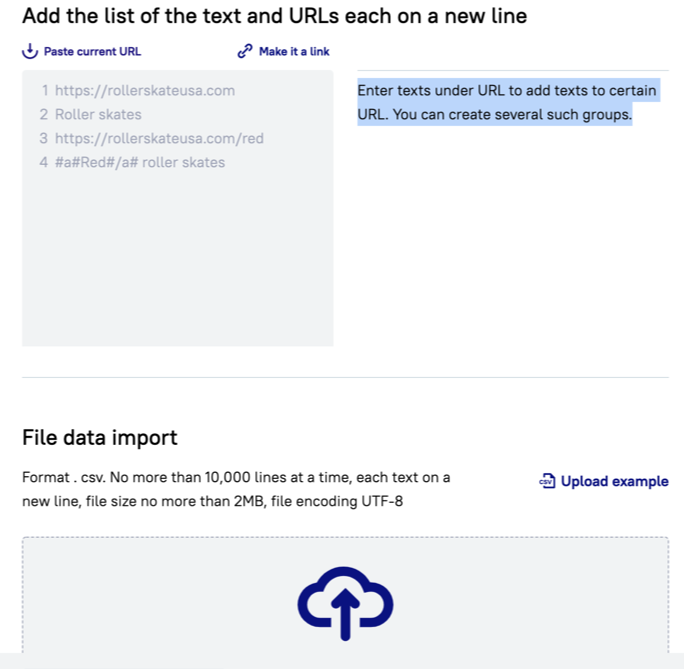
Next step to add URLs at your project.
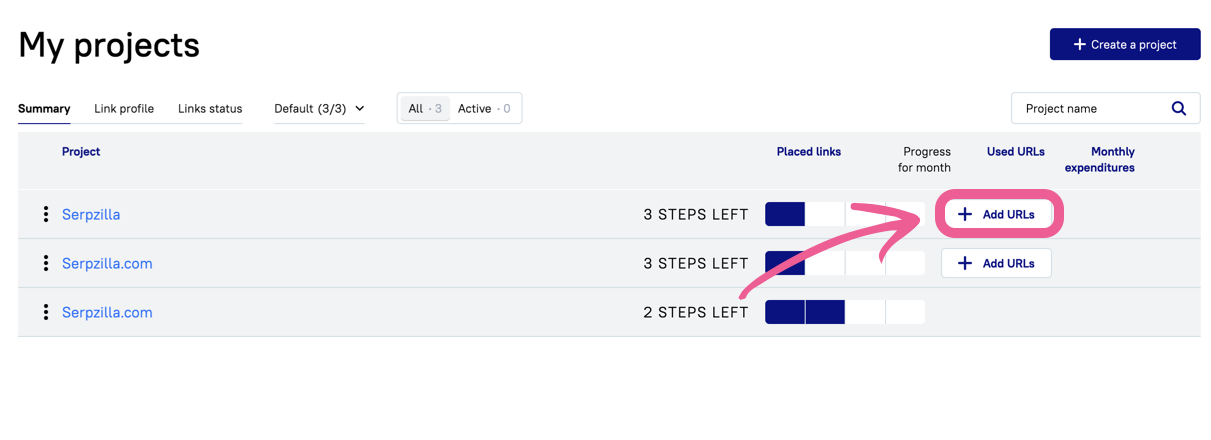
You can also add a urls in the section "My projects". Click on "Add URL" in front of your project and one of URLs addition options.
Enter texts under URL to add texts to certain URL or use "File data import".
How to search sites?
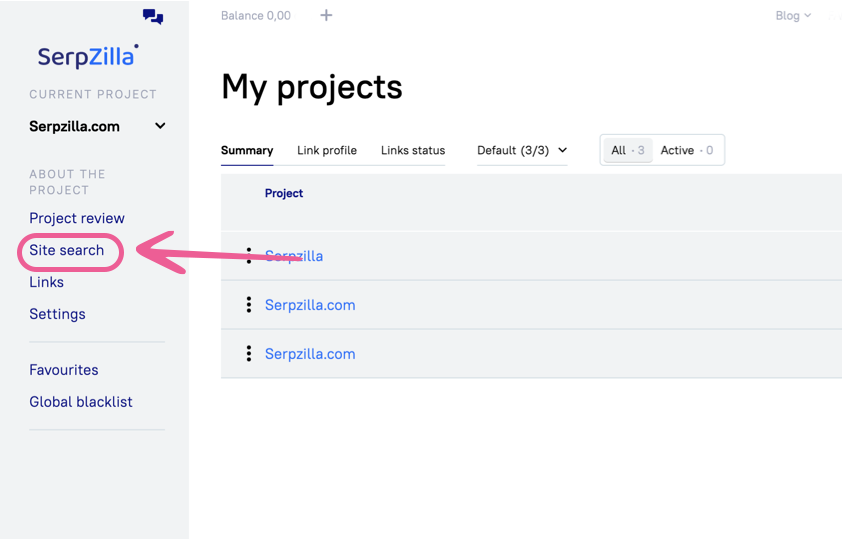
Click on "Site search" in the navigation menu.
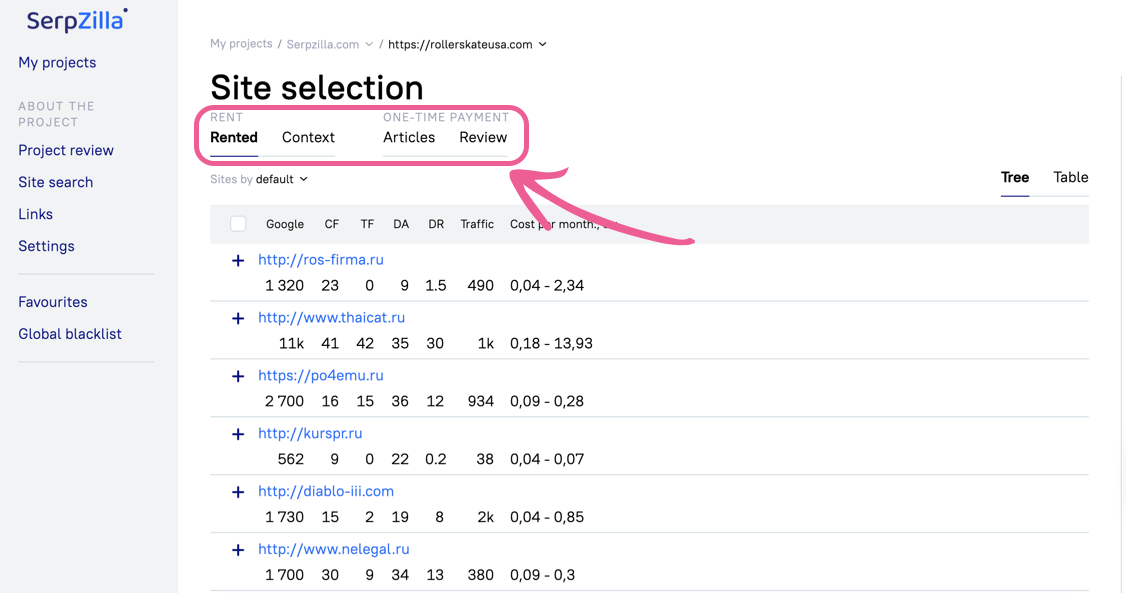
Choose one of the option:
Serpzilla links
Content links
Review
Articles
It is necessary to specify the parameters for sites where you would like to place your links in search panel. After you have specified the necessary parameters, (for example it may be the subject of the site and the cost of link placing in a month), please click on the "Filter" section.
Warning! To continue working with the project, you need to top up the balance.